
Guide
A Practical Guide to Protecting Your Accounts With MFA
Learn how to prioritize accounts, choose supported MFA methods, protect recovery options, and prepare for a lost or replaced device.
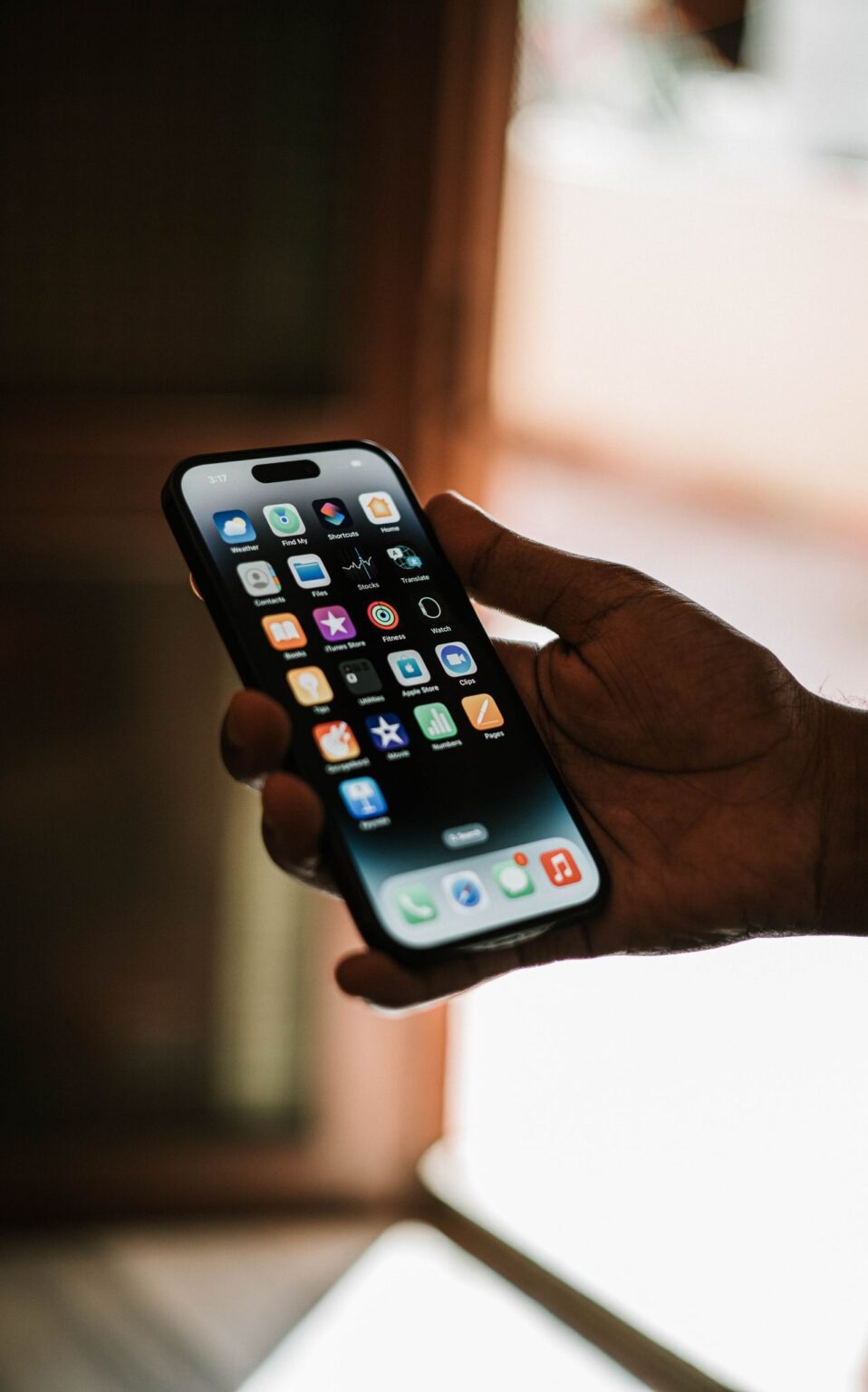
Review app permissions, location sharing, notifications, and connected accounts using a practical approach and official Android and Apple guidance.
Practical resource · 8 min read
Begin with a clear picture of the device
Review applications one at a time
Pay particular attention to location
Examine camera, microphone, and photo access
Check contacts and other shared information
Review what appears while the phone is locked
Review accounts and connected devices
Keep software and recovery arrangements current
A phone can hold business messages, family photographs, account access, and a detailed picture of daily routines. Privacy settings help you decide which applications can use that information. They are easier to manage when you review them according to purpose: what does this application need to do, and which access is reasonable for that task?
This guide offers a practical review process for your own device. Android and iPhone settings differ, and available controls change with software versions and manufacturers. Use the official guidance linked below for current instructions. If someone may react dangerously to changes you make, consider personal safety before changing sharing or account access.
Record the phone model, operating-system version, and whether the device is personally owned or managed by an employer. That information helps you find the correct support instructions. A work-managed phone may include policies that you cannot change yourself, so involve the authorized administrator rather than trying to remove management controls.
Think about the information you most want to protect. This could include customer contacts, private photographs, location, or message previews. Prioritizing those concerns makes the review manageable. You do not need to understand every setting at once. Begin with the applications and permissions that affect the information you actually keep on the phone, and record questions that need the manufacturer's or administrator's help.
Start with the applications you use most and those you no longer recognize. Ask why each is installed, whether it is still needed, and what information it can access. An unfamiliar name is a reason to investigate, not immediate proof of surveillance or malicious activity. Some system components have names that are not obvious to ordinary users.
Use the official application store and the device's own settings to understand the software. Avoid installing a new “privacy cleaner” simply because an advertisement claims that the phone is compromised. If you decide to remove an application, consider whether it holds important records or supports account access first. A careful review should reduce unnecessary access without creating avoidable data loss or a new lockout problem.
Google's Android guidance explains that application permissions can be reviewed by application or by permission type. Apple likewise provides controls for access to information and device features. The practical question is whether the requested access fits the function you intend to use. A navigation application and a calculator have different reasons to request location.
Where supported, consider a narrower permission rather than assuming access must be all or nothing. Available choices vary. Read the explanation shown by the operating system and test the ordinary task afterward. If a feature stops working, decide whether that feature is worth the access it requires. The goal is an informed choice, not denying every permission without understanding the effect.
Location can be useful for navigation, local services, and finding a lost device. It can also reveal routines you may prefer to keep private. Review which applications have access and whether the available setting matches your intended use. Follow your device's current guidance for approximate, precise, foreground, or other supported location controls.
Also think about sharing with people, not only applications. A location-sharing arrangement may have been useful for a trip and then forgotten. Check the relevant service's sharing settings separately from general application permissions. If personal safety is a concern, avoid making abrupt changes without considering who may notice and how they might respond. Apple's personal-safety guidance is a useful starting point for planning that review carefully.
Applications may need a camera or microphone for calls, recording, or scanning a document. Review those permissions according to the features you use. For photographs, consider whether an application needs a broad library or only selected items where the device supports that choice. Avoid granting extra access just to dismiss a prompt quickly.
After changing a permission, try a normal task and see whether the result matches your expectation. You may decide that a particular function is worth enabling only when needed. Keep in mind that application behavior and operating-system controls differ. A privacy review should use the actual settings on the device rather than promise that one universal instruction will work on every phone.

A contact list can include information about customers, colleagues, family, and people who did not choose to use a particular application. Before sharing it, ask why the application needs it and whether another supported option meets your needs. The same reasoning applies to calendars, files, and other information categories shown by the device.
For business use, follow the organization's rules about customer information. A personal preference to synchronize everything may conflict with the way the business is supposed to handle records. If the rules are unclear, ask the responsible person before connecting another service. Good privacy decisions depend on both the available control and the purpose for which the information was collected.
Notification previews can reveal information before a device is unlocked. Consider the messages that may appear in meetings, shared spaces, or photographs of your desk. Review the notification and lock-screen options your device offers. Balance convenience with the sensitivity of the information involved.
A useful exercise is to place the locked phone in front of you and observe an ordinary notification. Ask what a nearby person could learn without touching it. Adjust the supported settings if that visibility is more than you intended. This is an original review exercise, not a claim that every notification is dangerous. The right choice depends on your environment and the information your applications normally display.
A phone may be signed in to more than one email, cloud-storage, or messaging account. Check which accounts are present and whether they belong there. Review connected devices through the relevant provider's own security settings. Device names and locations need context, so investigate unfamiliar entries before drawing conclusions about who used them.
If you find evidence that an account may be compromised, follow that provider's recovery guidance. Changing a local permission does not necessarily remove remote account access. Keep account recovery, device privacy, and personal sharing as separate parts of the review. They influence one another, but a change in one area should not be described as a complete solution to every possible privacy concern.
Review whether the phone and important applications are receiving supported updates. Use the manufacturer's or official store's update process rather than links in unexpected messages. If a device no longer receives the support you need, discuss replacement or other practical options with a trusted professional. Do not assume an application can compensate for every limitation of an unsupported device.
Before a major device change, make sure you understand backup and account recovery. A privacy cleanup should not remove the only copy of an important record or the only working authentication method. Keep recovery material protected and separate from public notes. A little planning before a reset or replacement can prevent a routine improvement from becoming an urgent account-access problem.
A family tablet or business phone may have several legitimate users. Agree what each person is allowed to access and how private material should be handled. Do not assume that a shared device provides separate privacy simply because each person uses a different application. Check the supported account or profile arrangements for the device.
For a business, assign responsibility for enrollment, application installation, and return of the device when a role changes. For a household, discuss the practical expectations in clear language. The aim is to avoid accidental disclosure as well as deliberate misuse. Technical settings are easier to maintain when the people involved understand the boundaries and know whom to ask before changing them.
Create a short private table with the application, the permission reviewed, the reason for keeping or changing it, and the date. Do not include passwords or sensitive personal content. This record is helpful when an application later requests access again or someone asks why a feature no longer works.
An illustrative example might be a small business owner reviewing a document-scanning application. Camera access is needed for scanning, but broad contact access may not support that task. The owner checks the available choices, makes a decision, and tests a sample scan. The lesson is to connect each permission to a real use, rather than apply a rule that every application must have identical settings.
Repeat the review when installing a new application, changing phones, altering a sharing arrangement, or receiving a relevant security notice. Start with a few important settings rather than trying to perfect the whole device at once. Keep a list of unresolved questions and use the official support route for anything unclear.
If you need help, describe the device, the setting, and the concern without sending private photographs, messages, or account credentials. FactChecks can discuss general digital-privacy planning, but a general consultation is not a device examination or a guarantee that nobody can access your information. Use the official sources below to check current controls and seek specialist support where safety or a suspected compromise requires more than a routine settings review.
Reviewed 12 November 2026. Read the primary sources below for further guidance and current provider instructions.
Google: Change app permissions on Android ↗
Describe the situation and the outcome you need to discuss. Keep passwords, verification codes and private evidence out of the initial message.
FACTCHECKS EMAIL UPDATES
Get practical security guidance, new resources and updates from FactChecks.